Personal project · 2026
LoL Coach
A Windows overlay for League of Legends that follows every game phase: matchups and builds in champ select, power spikes in game, analysis after the game.
About the project
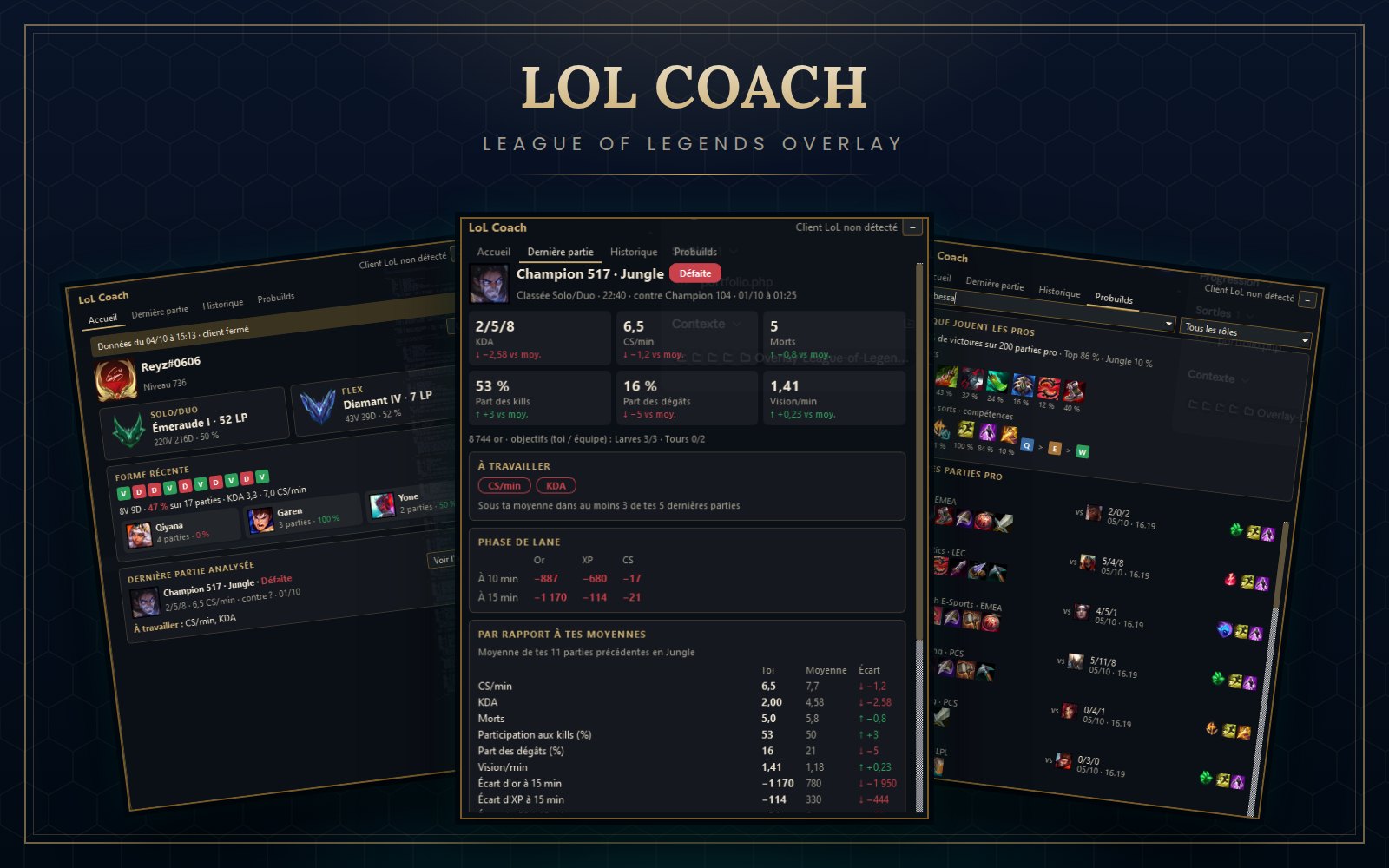
LoL Coach is a desktop overlay I built for League of Legends. There is no app window: a transparent, always-on-top overlay follows the game phase on its own, from the client to champ select, the loading screen and the game itself.
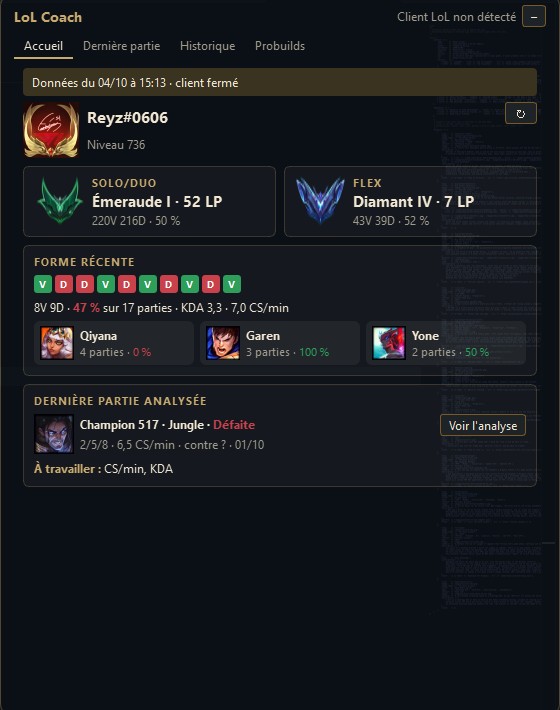
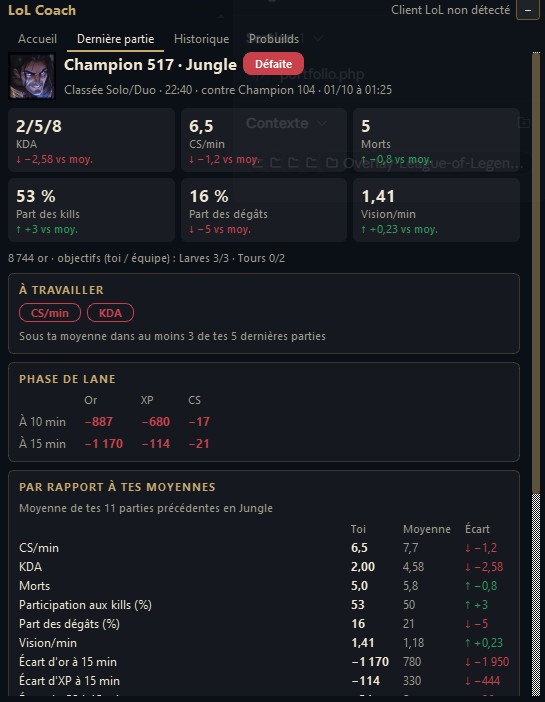
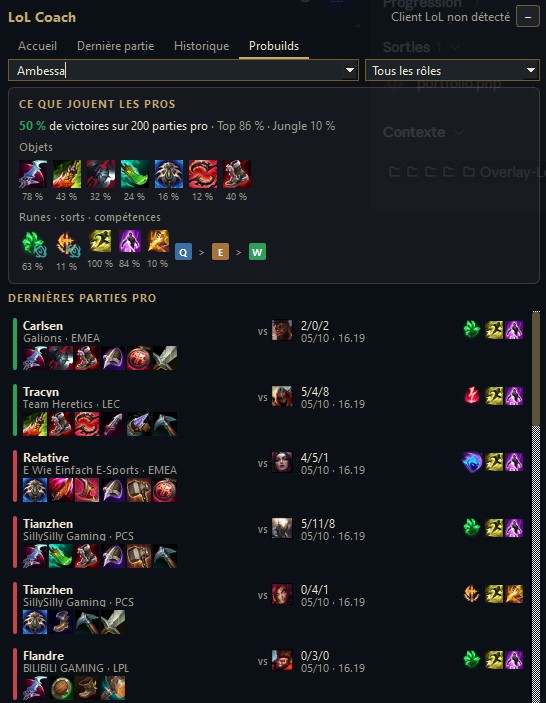
In champ select it shows the matchup, the recommended build and runes (with one-click import into the client), a team composition analysis and a game plan generated from tunable rules. During loading it profiles the 10 players (rank, mastery, recent form). In game it compares your levels and finished items with your lane opponent. After the game it analyses your performance against your own averages and keeps a filterable history.
It only uses Riot's local client APIs and public web data, and never touches the game process, in line with Riot's third-party app policy.
The installer (Windows 10/11, about 40 MB) needs no administrator rights. It is not code-signed, so Windows SmartScreen may show a warning on first launch: click "More info", then "Run anyway". Set League of Legends to Borderless display mode so the overlay can be drawn above the game.
What I did
- Designed and built the whole app on my own, from the design specs to the Windows installer.
- Real-time connection to the League client (local LCU API over websocket) and to the in-game Live Client API, with automatic game-phase detection.
- Frameless, click-through Qt overlay with draggable, collapsible pages and global hotkeys, designed to have no noticeable impact on game performance.
- Data pipeline from several public sources (Data Dragon, Lolalytics, pro builds…) with a SQLite cache and graceful fallback when a source is down.
- Post-game analysis: KDA, CS, gold and XP differences at 10 and 15 minutes, death map, comparison with your last 20 games.
- Built-in simulator to replay a full game without League running, 500+ automated tests, and a packaged executable and installer (PyInstaller, Inno Setup).